 dan
danThe automation guide · 20 parts Updated October 2026 · about 35 min read
What Is an Automation?
A funnel builder's plain-English guide.
What automation is, how triggers and actions work, what to automate first, and how I wire lead capture, replies, booking, CRM and follow-up behind websites and funnels. With live demos.

- 01What is an automation?
- 02Triggers, conditions, actions
- 03Automation vs. people vs. AI
- 04Signs you need it
- 05What to automate first
- 06Lead capture
- 07Instant replies
- 08Booking & reminders
- 09CRM automation
- 10Follow-up sequences
- 11Funnel automation
- 12Ecommerce automation
- 13Internal automation
- 14Tools compared
- 15Mapping it first
- 16Testing & breakage
- 17Measuring results
- 18Privacy & consent
- 19By industry
- 20DIY vs. hiring
On this page
- 01What is an automation?
- 02Triggers, conditions, actions
- 03Automation vs. people vs. AI
- 04Signs you need it
- 05What to automate first
- 06Lead capture
- 07Instant replies
- 08Booking & reminders
- 09CRM automation
- 10Follow-up sequences
- 11Funnel automation
- 12Ecommerce automation
- 13Internal automation
- 14Tools compared
- 15Mapping it first
- 16Testing & breakage
- 17Measuring results
- 18Privacy & consent
- 19By industry
- 20DIY vs. hiring
- +Glossary
- +FAQ
What is an automation? The short answer
When clients hear "automation" they picture robots or complicated software. In my work it is much simpler: it's the boring step you stop doing by hand.
An automation is a rule that makes software do a task for you when something happens. When this happens (a trigger), check this (a condition), then do that (an action). For example: when someone fills in your quote form, add them to your CRM, send them a confirmation and text you the details. No person has to remember to do it.
Business automation is everywhere already. Your bank sends a text when money leaves your account. A shop emails your receipt the moment you pay. A dentist texts a reminder the day before your appointment. None of these are done by a person sitting at a desk. Someone built a rule once, and it runs every time.
For the small businesses and coaches I build for, automation usually lives around the website and the funnel: the moment a lead arrives, what happens in the next five minutes, the next five days and the next five weeks. That's where most money is lost, because humans are busy and forget.
What automation is not
- It is not a replacement for a good offer. Automating a bad offer just loses customers faster.
- It is not the same as AI. Most useful automations follow fixed rules with no AI at all.
- It is not "set and forget forever". Tools change, forms change, and automations need checking.
How every automation works: trigger, condition, action
Every automation I have ever built, from a two-step email to a 40-step lead routing system, uses the same three building blocks.
- TriggerSomething happens: a form is sent, a payment clears, a date arrives
- ConditionCheck a rule: is the job in our area? Is the budget above $X?
- ActionDo something: send an email, create a deal, alert a person
The trigger is the starting gun. Common triggers are a form submission, a booking, a purchase, a tag added in your CRM, a date (like three days before an appointment) or no reply after a set time.
Conditions are the filters. They stop the automation from doing the wrong thing to the wrong person. A roofing lead outside your service area should get a polite "sorry, we don't cover you" email, not a booking link.
Actions are the work: send, create, update, assign, notify, wait. A simple automation has one of each. A real business process chains several together, often with waits in between.
| Trigger | Condition | Action |
|---|---|---|
| Quote form submitted | Zip code in service area | Create CRM deal, text the owner, email the lead |
| Appointment booked | Booking is 2+ days away | Send reminder 24 hours before |
| Cart abandoned | Cart value over $X | Email a reminder after 1 hour |
| Invoice unpaid | 7 days past due | Send a friendly nudge, alert the owner |
Automation vs. a person doing it vs. AI
Not every task should be automated, and not every automation needs AI. Here's how I decide who, or what, should do the work.
| Rule-based automation | AI step | A person | |
|---|---|---|---|
| Best at | Repeating the same step perfectly | Reading messy text, drafting replies, sorting | Judgment, empathy, selling |
| Risk | Breaks when inputs change | Can be confidently wrong | Forgets, gets busy, is slow |
| Cost | Low, predictable | Per use, can grow | Highest |
| Example | Send booking confirmation | Summarize a long enquiry | Call a hot lead back |
Rule-based automation is the foundation. If a task has clear inputs and a clear answer, a simple rule wins. It's cheap, fast and predictable.
AI is useful as one step inside an automation, for jobs that need reading or writing: summarizing an enquiry, classifying it as "urgent repair" or "new install", or drafting a reply for a person to approve.
People should do the parts that build trust and close sales: a phone call, a site visit, a hard conversation. Good automation gives people more time for exactly those moments.
Signs your business needs automation
You don't need automation because a podcast told you to. You need it when these symptoms show up.
- Leads wait hours or days for a first reply.
- You copy details from emails into a spreadsheet or CRM by hand.
- No-shows are common because nobody sent a reminder.
- Follow-up depends on someone remembering.
- You can't answer "where did this customer come from?"
- The same five questions arrive by email every week.
- Things fall through the cracks when you go on holiday.
If three or more of those sound familiar, you're paying a hidden tax in lost leads and lost hours. The good news: the first fixes are usually small.
Speed matters most. Someone filling in a quote form is often filling in two or three others. The business that replies first, clearly and helpfully, has a real advantage, and automation is how a small team replies first without staring at their inbox all day.
Recognize a few of these? Tell me how leads reach you today and I'll suggest the first automation I'd build.
Email meWhat to automate first (and what not to)
Clients often want to automate everything at once. I always push back. Start where the money leaks.
- Instant lead confirmation: the lead knows you received it and what happens next.
- Owner alert: you know about the lead within a minute, by text or WhatsApp.
- CRM entry: every lead lands in one place with its source.
- Booking reminders: fewer no-shows.
- A short follow-up sequence for people who didn't book.
Those five cover most of the value for most service businesses. Fancy things like lead scoring, multi-branch nurture and AI chat come later, once the basics work and you have data.
What I don't automate
- Sales calls and quotes that need judgment.
- Replies to complaints or upset customers.
- Anything you haven't done by hand at least a few times. You can't automate a process you don't understand yet.
- Messages that would feel creepy if the customer knew they were automatic.
Lead capture: forms that route themselves
The form on your website is where most of my automations start. A good form doesn't just collect details. It decides what happens next.
A basic form emails you. A smart form asks one or two qualifying questions (service type, timeline, area) and uses the answers to send the lead down the right path. Emergency repair? Alert the on-call tech. New install? Send a booking link for a free estimate. Outside your area? A polite referral email.
- Form sentName, contact, service, zip, urgency
- RouteRules check area and urgency
- RecordCreate contact and deal with source
- RespondRight email/SMS for that path
I also capture where the lead came from: the page, the campaign tag in the link and the device. That data is automatic too, and it's what lets you later see which pages and ads produce real customers.
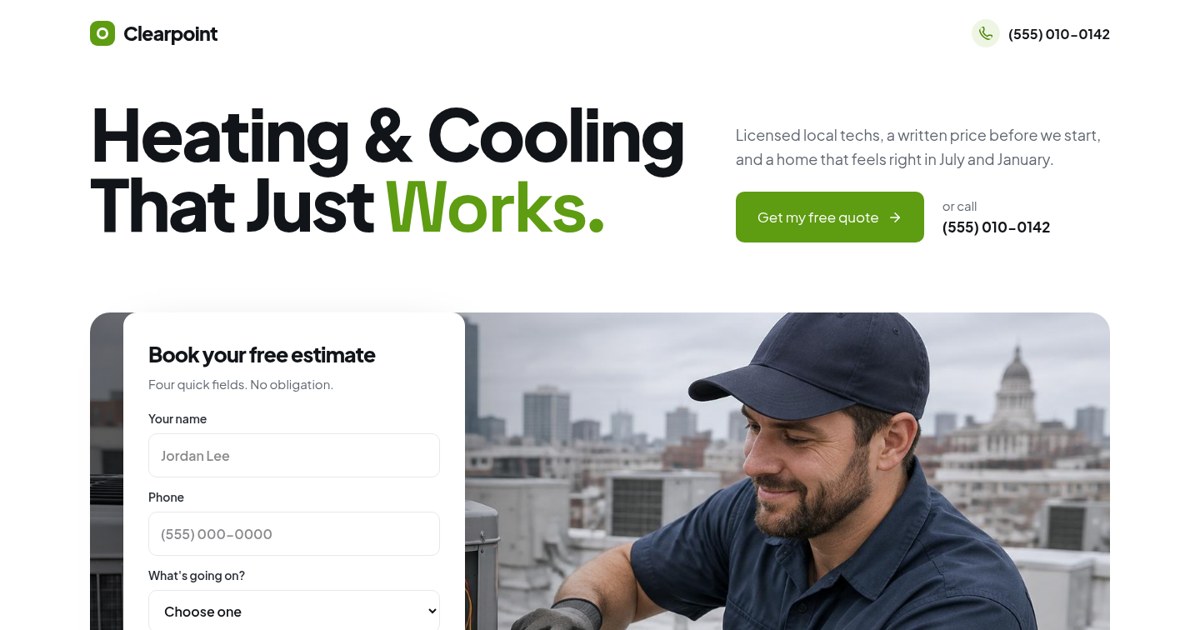
The estimate form asks for the problem and timing first, which is exactly the data a routing automation needs.
Open the live demoInstant replies: email, SMS and WhatsApp
The first reply is the most important message you'll send. Automation makes sure it goes out in seconds.
A good instant reply does three things: confirms you got the request, sets expectations ("I'll call you within 2 business hours"), and gives one useful next step (book a time, send photos, read a short FAQ).
| Channel | Good for | Watch out for |
|---|---|---|
| Details, links, receipts | Spam folders, slower to be seen | |
| SMS | Fast, short confirmations and reminders | Needs consent; keep it short |
| Conversational follow-up, international clients | Business account rules and opt-in |
Write these messages like a person, sign them with a real name, and make them easy to reply to. "Hi Sam, thanks for the request about your furnace. I'm Dan, I'll call you before 3pm today. If it's urgent, reply to this text." That outperforms a branded template full of logos.
Booking and reminders
Letting people book themselves, then reminding them automatically, is the single most reliable automation I set up for service businesses.
- Lead picks a time from your real availability.
- Calendar event created for you, confirmation sent to them.
- Reminder 24 hours before, and again 1–2 hours before.
- If they cancel, offer a reschedule link automatically.
- After the appointment, a thank-you and next step.
Reminders reduce no-shows because people genuinely forget. A reminder that includes the address, what to bring and a reschedule link removes most excuses.
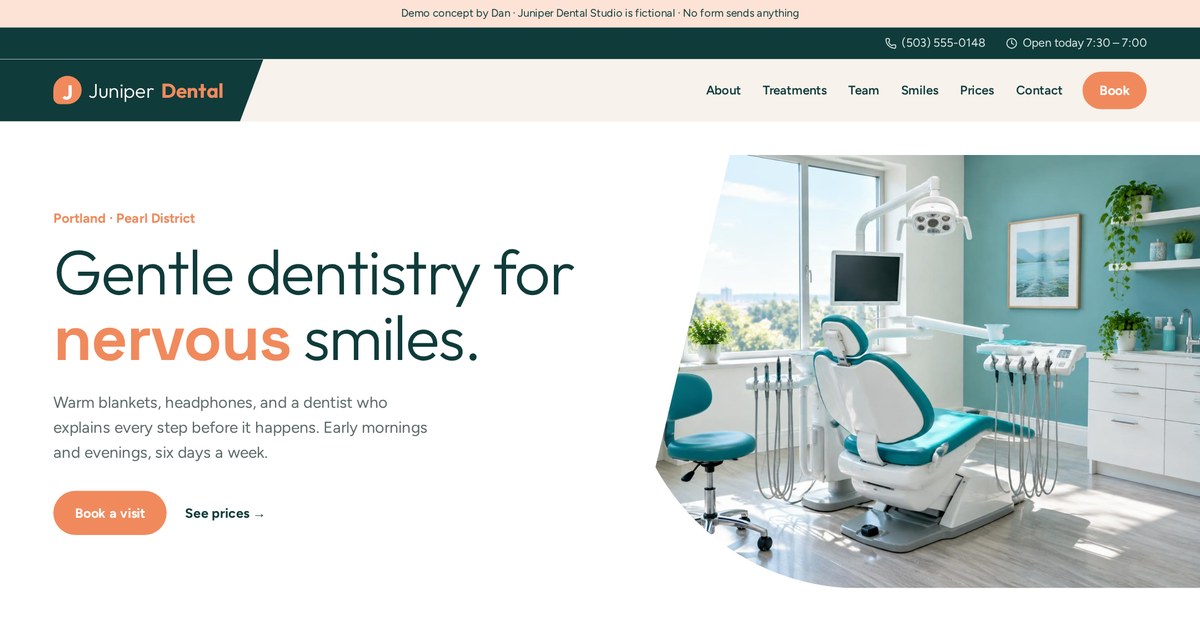
The booking form is the kind of page I'd connect to a calendar with automatic confirmations and reminders.
Open the live demoCRM automation: tags, stages and owners
A CRM is just the address book and to-do list for your customers. Automation keeps it up to date without anyone typing.
The key idea is a pipeline: a set of stages a lead moves through, like New, Contacted, Quote sent, Won, Lost. Automations move leads between stages when something happens, and create tasks when a person needs to act.
- Tags record facts: service type, source, area.
- Stages record progress.
- Owners record who's responsible.
- Tasks record what needs doing and by when.
Typical rules I set up: a new form creates a deal in "New" and assigns it; if nobody moves it within an hour, alert the owner; when a quote is sent, start a follow-up timer; when the deal is won, send a welcome and stop all sales follow-up.
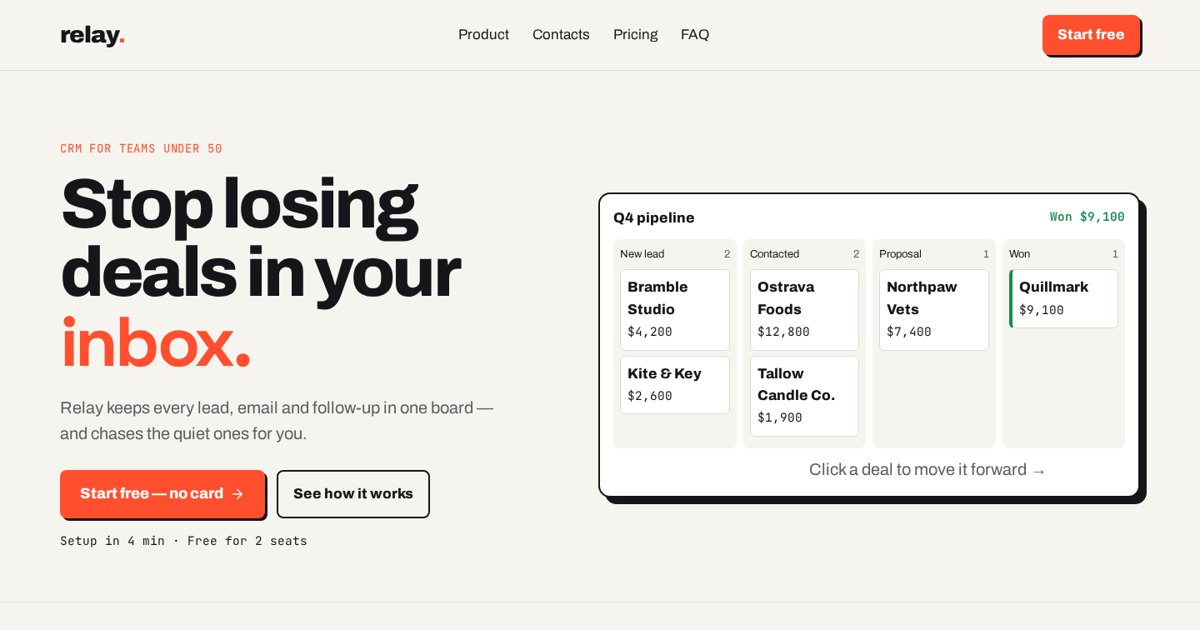
A fictional CRM showing the pipeline view that these automations keep updated.
Open the live demo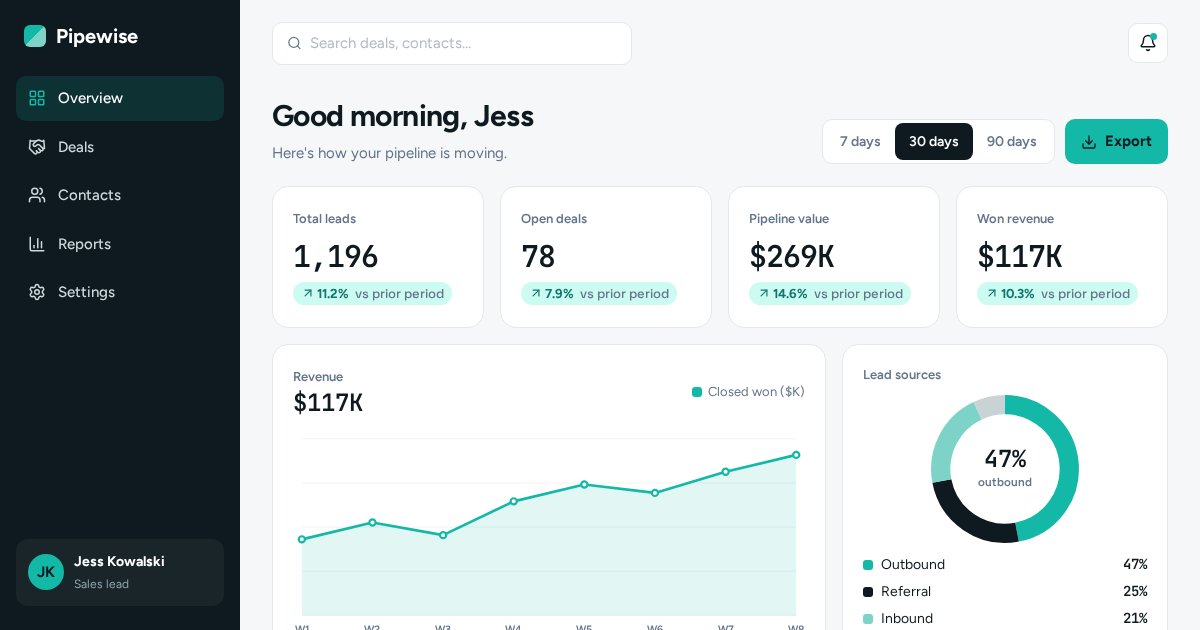
A dashboard like this is only accurate when the data feeding it arrives automatically.
Open the live demoFollow-up sequences that don't feel robotic
Most leads don't buy on the first contact. A short, human follow-up sequence catches the ones who were simply busy.
| When | Message | Goal |
|---|---|---|
| Day 0 | Thanks + what happens next | Confirm and set expectations |
| Day 1 | Answer the most common question | Remove a doubt |
| Day 3 | Short example of similar work | Build trust |
| Day 7 | "Still want help with this?" | Get a yes or no |
That's an example sequence, not a rule. The point: each message gives something useful, and the sequence stops the moment the person replies or books. Nothing feels more robotic than getting "just checking in!" after you've already paid.
- Use plain text more than designed newsletters.
- Write how you speak.
- Always offer an easy way out.
- Stop on reply, booking or purchase.
Funnel automation: a walkthrough with my Ridgeline demo
A funnel is a series of steps. Automation is the wiring that connects them. Here's how I'd wire a lead funnel for a roofer.
- Ad clickCampaign tag saved with the lead
- Opt-inContact created, owner alerted
- QuizAnswers become tags: damage type, urgency
- BookingInspection on calendar, reminders queued
- Follow-upSequence until booked or closed
In the Ridgeline Roof Check demo you can click through each step. Behind each step in a real build, an automation records what happened and decides the next message. The quiz answers matter: someone with storm damage and an insurance claim gets different follow-up from someone curious about a new metal roof.
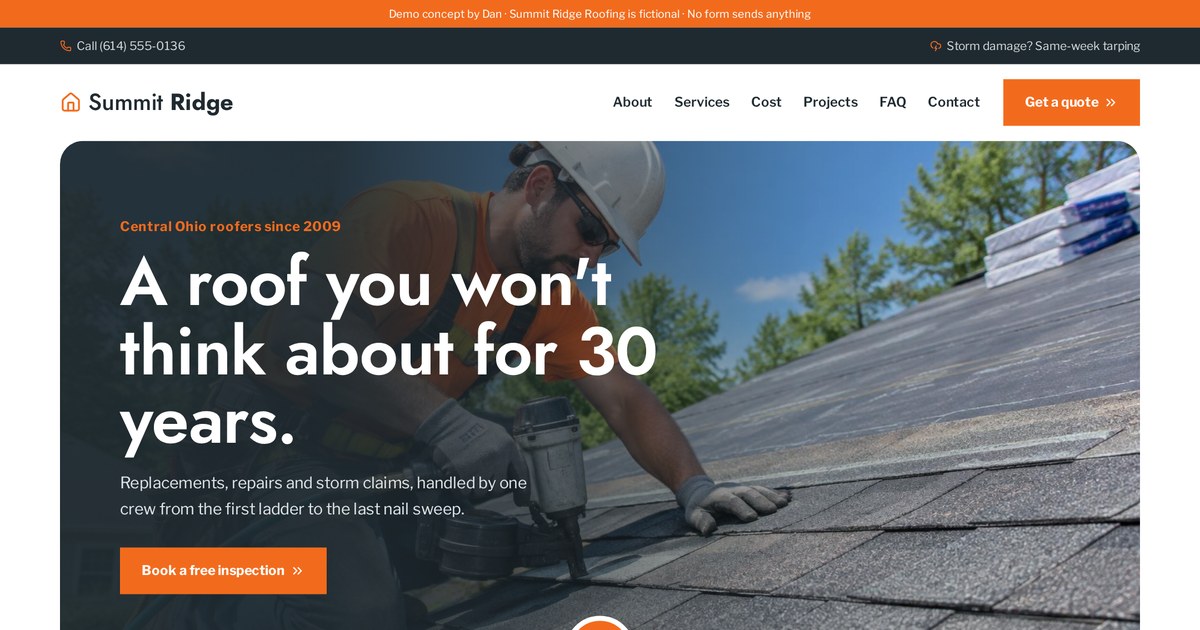
Click from ad to booking and see the tracking and automation panel that explains each step.
Open the live demoEcommerce automation: carts, receipts and review requests
Online stores live on automation. Most shop platforms include the basics; the gains come from setting them up thoughtfully.
- Order confirmation and shipping updates.
- Abandoned cart reminder, usually within a few hours.
- Back-in-stock alerts.
- A how-to-use email a few days after delivery.
- A review request once they've had time to use it.
- A reorder reminder for products that run out.
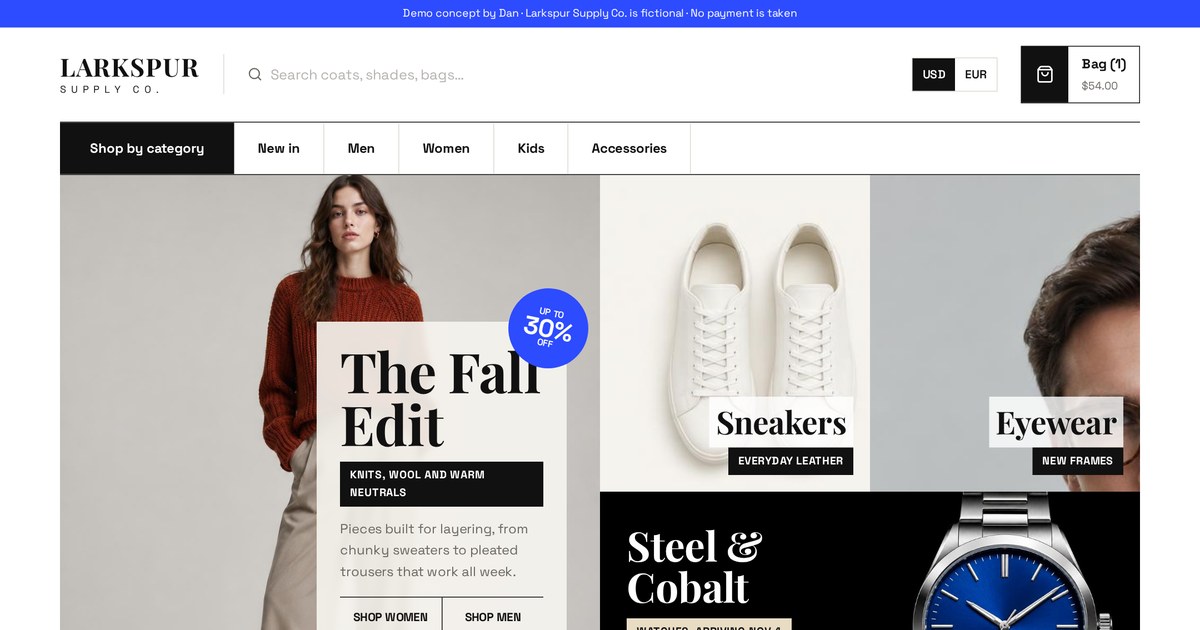
The cart and quick-view flows are where cart reminders and order emails would plug in.
Open the live demoTiming is everything. Asking for a review the day an order ships is too early. Asking after the product has arrived and been used makes sense to the customer.
Internal automation: alerts, tasks and reports
Not every automation faces customers. Some of the most useful ones just keep the team in sync.
- New lead posted to a team chat channel.
- Daily summary: new leads, booked jobs, overdue follow-ups.
- Task created when a deal sits in one stage too long.
- Won deal creates a project, a folder and a kickoff checklist.
- Weekly report of leads by source, sent every Monday.
These save more time than they look like they would, because they remove the small daily "did anyone call that person back?" conversations.
Automation tools compared
Clients ask which tool is best. The honest answer: the one that connects to what you already use, and that someone can maintain.
| Tool type | Examples | Good for | Trade-off |
|---|---|---|---|
| Built-in CRM automation | HubSpot, GoHighLevel, Pipedrive workflows | Everything in one place | Locked to that platform |
| Connector tools | Zapier, Make | Linking many apps without code | Costs grow with volume |
| Self-hosted / technical | n8n, custom code | Complex logic, control, lower running cost | Needs technical upkeep |
| Platform-native | Shopify Flow, calendar tools | Simple store or booking flows | Limited to that tool |
Tool names and features change often, so check current pricing and limits before you commit. I pick tools based on the client's existing setup, budget and who will look after it after launch.
Mapping an automation before building it
Every build I do starts on paper, or a whiteboard. The map is the real work; the tool setup is the easy part.
- Write the trigger in one sentence.
- List every path a lead can take (yes/no at each condition).
- Write the actual message for each path.
- Decide the waits and stop conditions.
- Decide where data is stored and who gets alerted.
- Decide what happens when something fails.
This catches problems early: two automations sending the same person two emails, a lead stuck with no next step, or a follow-up that keeps running after someone has bought.
Want me to map your lead process? Send me how a customer finds you and buys today.
Email meTesting automations, and the things that break
Automations fail quietly. Nobody tells you the form stopped sending leads; you just notice it got quiet.
- Test every path with fake leads before launch, including the "no" paths.
- Check messages on a phone, not just a laptop.
- Watch for duplicates when someone submits twice.
- Expired connections: a password change can break a link between apps.
- Renamed form fields that silently send blank data.
- Spam bots filling forms and triggering real messages.
I add a simple safety net: an alert if no leads arrive for a set number of days, and an error notification when an automation step fails. Then I run a test lead once a month.
Tracking and measuring time and leads saved
If you can't measure an automation, you can't tell if it's helping. Keep the measures simple.
| Measure | What it tells you |
|---|---|
| Time to first reply | Whether leads are answered fast |
| Booking rate from leads | Whether follow-up turns interest into appointments |
| No-show rate | Whether reminders work |
| Leads by source | Which pages and campaigns bring customers |
| Hours of admin per week | Whether the team actually got time back |
Write down the before numbers, even roughly, before you build. Example: if replies took about a day before and now take a minute, and bookings went from X to Y, you have a clear story. Without the before number, it's just a feeling.
Privacy, consent and spam rules
Automation makes it easy to message lots of people. That's exactly why the rules matter. This isn't legal advice; check what applies where you and your customers are.
- Get clear consent before marketing texts or WhatsApp messages.
- Include an easy unsubscribe or "reply STOP" option.
- Collect only the data you actually use.
- Say in your privacy policy which tools process customer data.
- Keep transactional messages (receipts, reminders) separate from marketing.
Rules differ by country (for example GDPR in Europe and SMS consent rules in the US). Have a qualified professional review your setup if you message customers at scale.
Automation ideas by industry
The building blocks are the same; the best first automation changes by business type.
| Business | First automation I'd build | Next one |
|---|---|---|
| Trades (HVAC, plumbing, roofing) | Instant reply + owner text for every quote request | Estimate follow-up sequence |
| Health (dentist, physio) | Booking confirmations and reminders | Recall reminders for check-ups |
| Coaches and consultants | Booking link + pre-call questions | Nurture emails for not-yet-ready leads |
| Software (SaaS) | Trial welcome and onboarding emails | Alerts for inactive trial users |
| Online stores | Abandoned cart reminder | Review and reorder requests |
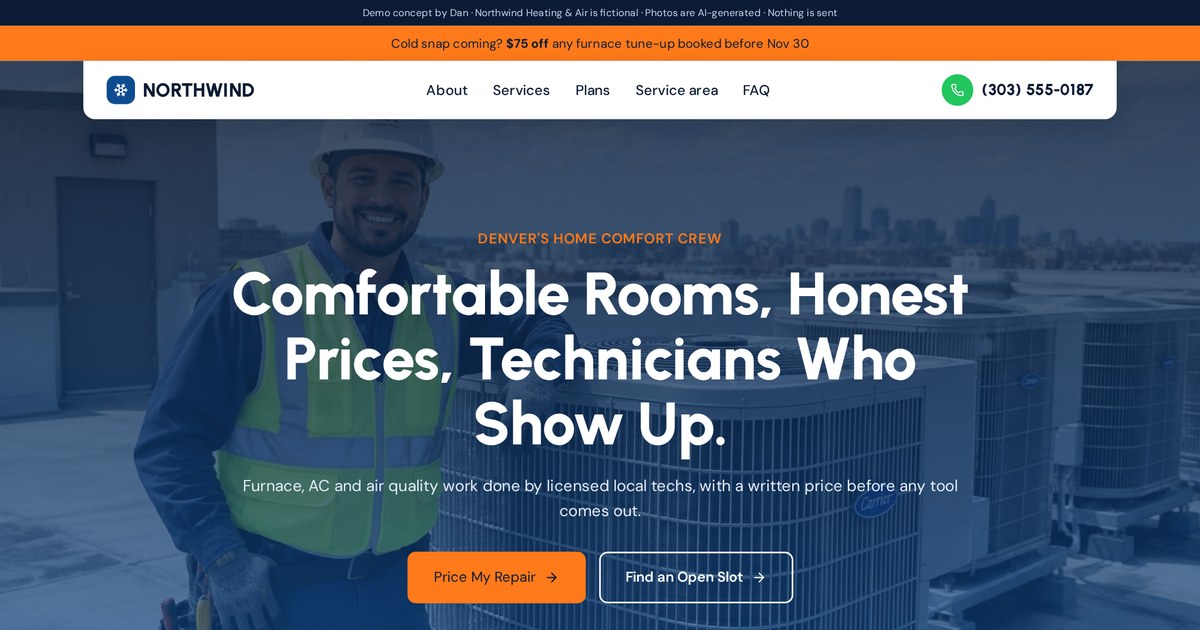
Trade websites like this benefit most from instant replies, because the first company to call back often wins the job.
Open the live demo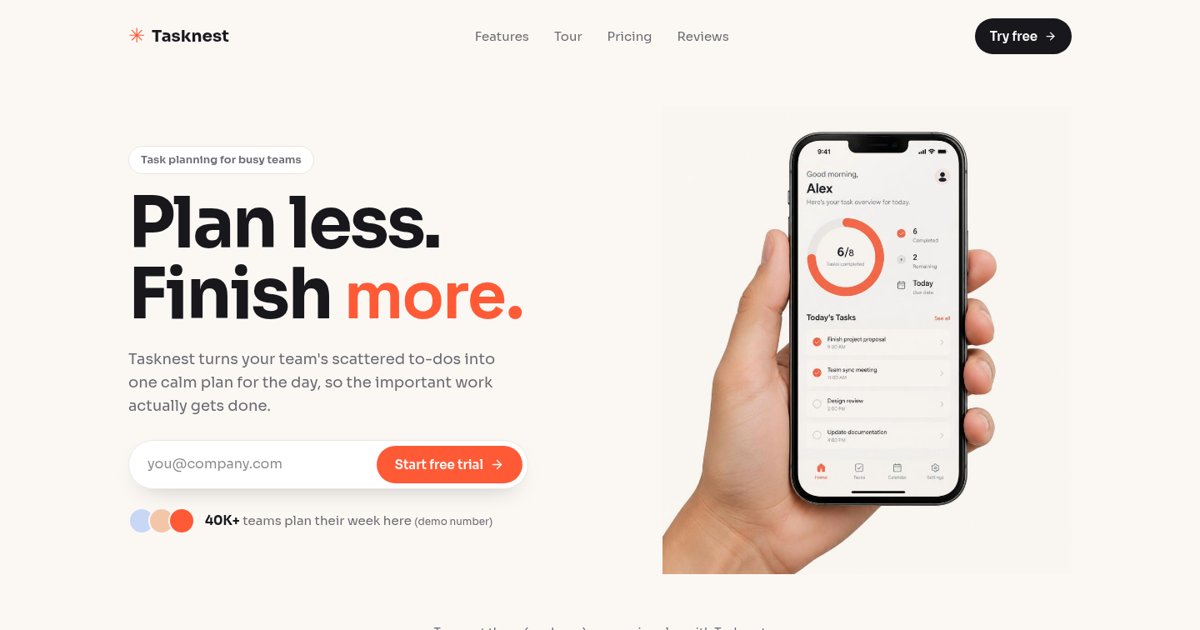
A trial signup page like this is the trigger for a welcome and onboarding sequence.
Open the live demoDIY vs. hiring a builder, and how I work
You can build simple automations yourself. Here's when it makes sense to get help.
DIY works well for one or two simple rules inside a tool you already use, like booking reminders in your calendar app. It gets risky when automations connect several tools, branch by answers, or touch payments and customer data.
How I build automations for clients
- Map the current process and where leads leak.
- Agree on the first few automations and the messages.
- Build the pages and forms that feed them.
- Connect the tools, test every path, add failure alerts.
- Hand over a simple map of what runs and when.
Because I build the website, landing page or funnel too, the automation is designed with the page, not bolted on later. The form asks the right questions, the tracking is in place, and the follow-up matches what the page promised.
My automation launch checklist
- Trigger, condition and action written as one sentence
- Every path mapped, including the "no" paths
- Instant reply sent within a minute
- Owner alerted for every new lead
- Lead source saved with every contact
- Reminders include a reschedule link
- Sequences stop on reply, booking or purchase
- Messages tested on a phone
- Duplicate and spam protection in place
- Failure and "no leads" alerts set up
- Consent and unsubscribe options included
- A simple map of what runs and when
Automation terms in plain English
- Abandoned cart
- A shopping cart a visitor filled but didn't pay for.
- Action
- The step an automation performs, like sending an email.
- API
- A way for two pieces of software to talk to each other.
- Automation
- A rule that makes software do a task when something happens.
- Branch
- A point where an automation takes different paths based on a condition.
- Business automation
- Using automations to run repeat business tasks like follow-up and booking.
- Condition
- A check that decides whether an action should run.
- Consent
- Permission a person gives to be contacted.
- CRM
- Customer relationship management software: your customer list and pipeline.
- Deal
- A potential sale tracked in a CRM.
- Drip sequence
- A series of messages sent on a schedule.
- Duplicate
- The same contact created twice.
- Field
- One piece of data in a form or CRM, like phone number.
- Integration
- A connection between two tools.
- Lead
- A person who has shown interest in buying.
- Lead routing
- Sending each lead to the right path or person automatically.
- Lead scoring
- Giving leads points based on fit and activity.
- No-show
- A booked appointment the customer didn't attend.
- Nurture
- Helpful messages for leads not ready to buy yet.
- Opt-in
- When someone agrees to receive messages.
- Owner alert
- A notification telling a team member to act.
- Pipeline
- The stages a lead moves through until won or lost.
- Reminder
- An automatic message before an appointment or deadline.
- Source tracking
- Recording where a lead came from.
- Stage
- One step in a pipeline.
- Stop condition
- A rule that ends a sequence, like a reply or booking.
- Tag
- A label on a contact that records a fact about them.
- Task
- A to-do assigned to a person.
- Transactional message
- A message about an action the person took, like a receipt.
- Trigger
- The event that starts an automation.
- UTM tag
- Text added to a link that tells you which campaign a visit came from.
- Wait step
- A pause in an automation before the next action.
- Webhook
- A message one app sends another the moment something happens.
- Workflow
- A set of connected automation steps.
- Zapier / Make / n8n
- Popular tools for connecting apps and building workflows.
Frequently asked questions
What is an automation in simple terms?
A rule that makes software do a task for you when something happens: when this happens, check this, then do that.
What is business automation?
Using automations to handle repeat business tasks such as replying to leads, booking, reminders, follow-up and reporting.
What are examples of automation?
Booking reminders, order confirmations, abandoned cart emails, new-lead alerts by text and automatic CRM entries.
Is automation the same as AI?
No. Most automations follow fixed rules. AI can be one step inside an automation, for reading or writing text.
What should a small business automate first?
Instant lead replies, owner alerts, CRM entry, booking reminders and a short follow-up sequence.
Which automation tool is best?
The one that connects to your existing tools and that someone on your team can maintain. Common options are CRM workflows, Zapier, Make and n8n.
Will automation make my business feel robotic?
Not if messages are written like a person, stop when the customer replies, and humans handle sales and complaints.
How much does automation cost?
It depends on the tools and how many tasks run. Simple setups can use features you already pay for; costs grow with volume and complexity.
Do I need consent to send automated texts?
Usually yes for marketing messages, and rules vary by country. This isn't legal advice; have your setup reviewed.
How do I know my automations are working?
Track time to first reply, booking rate, no-show rate and leads by source, and add alerts for failures or silence.
Can automations break?
Yes. Changed forms, expired connections and duplicates are common causes. Test regularly and add failure alerts.
Can you build automations for my website or funnel?
Yes. I build websites, landing pages and funnels with the automations behind them. Email dan@admusketeers.com or message me on WhatsApp.
Losing leads between the form and the sale?
Let's wire it up.
I build websites, landing pages and funnels with the automations behind them, so every lead gets a fast reply and a clear next step. Tell me how leads reach you today.